

In the evolving landscape of cloud-native development, the AWS SDK for Rust represents a paradigm shift toward memory safety, high performance, and predictable resource consumption. While languages like Python and Node.js have long dominated the AWS ecosystem, Rust provides an unparalleled advantage for high-throughput services and cost-optimized Lambda functions. This guide moves beyond the basics, offering a technical deep-dive into setting up a production-ready environment using the SDK.
Pro-Tip: The AWS SDK for Rust is built on top of
smithy-rs, a code generator capable of generating SDKs from Smithy models. This architecture ensures that the Rust SDK stays in sync with AWS service updates almost instantly.
Table of Contents
1. Project Initialization and Dependency Management
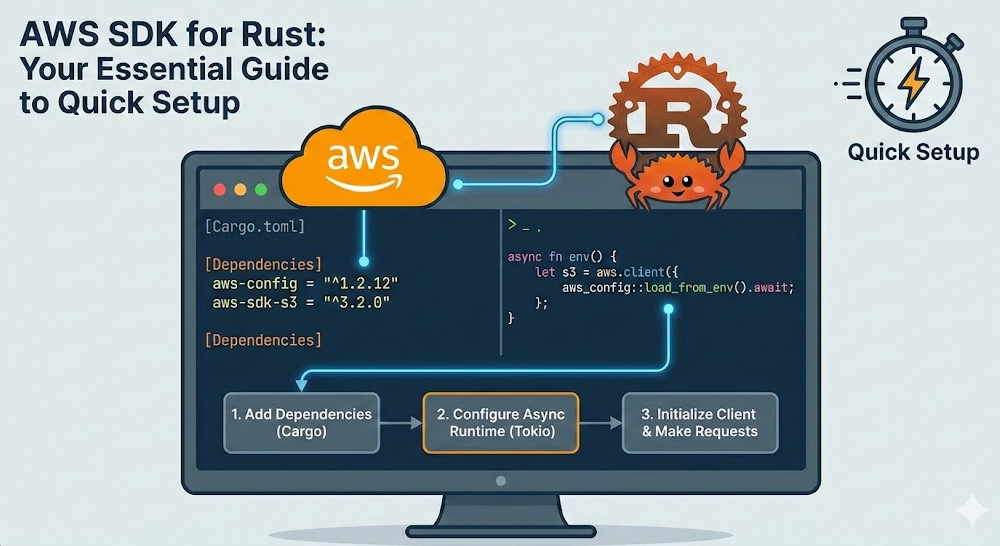
To begin working with the AWS SDK for Rust, you must configure your Cargo.toml carefully. Unlike monolithic SDKs, the Rust SDK is modular. You only include the crates for the services you actually use, which significantly reduces compile times and binary sizes.
Every project requires the aws-config crate for authentication and the specific service crates (e.g., aws-sdk-s3). Since the SDK is inherently asynchronous, a runtime like Tokio is mandatory.
[dependencies]
# Core configuration and credential provider
aws-config = { version = "1.1", features = ["behavior-version-latest"] }

# Service specific crates
aws-sdk-s3 = "1.17"
aws-sdk-dynamodb = "1.16"

# Async runtime
tokio = { version = "1", features = ["full"] }

# Error handling
anyhow = "1.0"
2. Deep Dive: Configuring the AWS SDK for Rust
The entry point for almost any application is the aws_config::load_from_env() function. For expert developers, understanding how the SdkConfig object manages the credential provider chain and region resolution is critical for debugging cross-account or cross-region deployments.
Asynchronous Initialization
The SDK uses async/await throughout. Here is the standard boilerplate for a robust initialization:
use aws_config::meta::region::RegionProviderChain;
use aws_config::BehaviorVersion;

#[tokio::main]
async fn main() -> Result<(), anyhow::Error> {
    // Determine region, falling back to us-east-1 if not set
    let region_provider = RegionProviderChain::default_provider().or_else("us-east-1");

    // Load configuration with the latest behavior version for future-proofing
    let config = aws_config::defaults(BehaviorVersion::latest())
        .region(region_provider)
        .load()
        .await;

    // Initialize service clients
    let s3_client = aws_sdk_s3::Client::new(&config);

    println!("AWS SDK for Rust initialized for region: {:?}", config.region().unwrap());
    Ok(())
}
Advanced Concept: The
BehaviorVersionparameter is crucial. It allows the AWS team to introduce breaking changes to default behaviors (like retry logic) without breaking existing binaries. Always uselatest()for new projects or a specific version for legacy stability.
3. Production Patterns: Interacting with Services
Once the AWS SDK for Rust is configured, interacting with services follows a consistent “Builder” pattern. This pattern ensures type safety and prevents the construction of invalid requests at compile time.
Example: High-Performance S3 Object Retrieval
When fetching large objects, leveraging Rust’s stream handling is significantly more efficient than buffering the entire payload into memory.
use aws_sdk_s3::Client;

async fn download_object(client: &Client, bucket: &str, key: &str) -> Result<(), anyhow::Error> {
    let resp = client
        .get_object()
        .bucket(bucket)
        .key(key)
        .send()
        .await?;

    let data = resp.body.collect().await?;
    println!("Downloaded {} bytes", data.into_bytes().len());

    Ok(())
}
4. Error Handling and Troubleshooting
Error handling in the AWS SDK for Rust is exhaustive. Each operation returns a specialized error type that distinguishes between service-specific errors (e.g., NoSuchKey) and transient network failures.
- Service Errors: Errors returned by the AWS API (4xx or 5xx).
- SdkErrors: Errors related to the local environment, such as construction failures or timeouts.
For more details on error structures, refer to the Official Smithy Error Documentation.
| Feature | Rust Advantage | Impact on DevOps |
|---|---|---|
| Memory Safety | Zero-cost abstractions/Ownership | Lower crash rates in production. |
| Binary Size | Modular crates | Faster Lambda cold starts. |
| Concurrency | Fearless concurrency with Tokio | High throughput on minimal hardware. |
Frequently Asked Questions (FAQ)
Is the AWS SDK for Rust production-ready?
Yes. As of late 2023, the AWS SDK for Rust is General Availability (GA). It is used internally by AWS and by numerous high-scale organizations for production workloads.
How do I handle authentication for local development?
The SDK follows the standard AWS credential provider chain. It will automatically check for environment variables (AWS_ACCESS_KEY_ID), the ~/.aws/credentials file, and IAM roles if running on EC2 or EKS.
Can I use the SDK without Tokio?
While the SDK is built to be executor-agnostic in theory, currently, aws-config and the default HTTP clients are heavily integrated with Tokio and Hyper. Using a different runtime requires implementing custom HTTP connectors.

Conclusion
Setting up the AWS SDK for Rust is a strategic move for developers who prioritize performance and reliability. By utilizing the modular crate system, embracing the async-first architecture of Tokio, and understanding the SdkConfig lifecycle, you can build cloud applications that are both cost-effective and remarkably fast. Whether you are building microservices on EKS or high-performance Lambda functions, Rust offers the tooling necessary to master the AWS ecosystem.
Would you like me to generate a specialized guide on optimizing AWS Lambda cold starts using the Rust SDK and Cargo Lambda? Thank you for reading the DevopsRoles page!