

In this tutorial, I using the rpm command to query lists the packages installed on the system. How do I use “rpm query installed packages in Centos, RHEL, and Fedora“. Linux the essential for DevOps Roles.
RPM query installed packages
List of the only package installed your system.
$ rpm -qa --qf "%{NAME}\n"
Example, List of the package installed on “Server A”. After then, How to install the package from “Server A” for “Server B”
Server A $ rpm -qa --qf "%{NAME}\n" > packaged.list
Server B # xargs yum -y < packaged.list
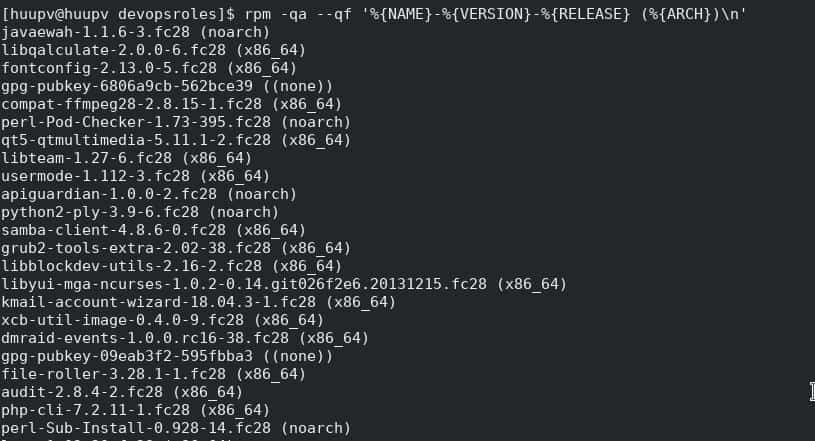
Display the package names, versions and releases with this command
[huupv@huupv devopsroles]$ rpm -qa --qf '%{NAME}-%{VERSION}-%{RELEASE} (%{ARCH})\n'
The screen output terminal as below

Conclusion
Thought the article, How to use “RPM query installed packages in Centos RHEL and Fedora” as above. I hope will this your helpful. Thank you for reading the DevopsRoles page!