Category Archives: Jenkins

Master Jenkins with DevOpsRoles.com. Explore detailed guides and tutorials to automate your CI/CD pipelines and enhance your DevOps practices with Jenkins.

Jenkins tutorial

What does Jenkins mean?

Jenkins is a powerful application allow continuous integration and continuous delivery. It is a free open source.

In this tutorial, who would like to learn how to build an test for the project. Jenkins the essential for DevOps Roles.

The simple WORKFLOW of how Jenkins works.

  1. Check source code from git or svn, so forth.
  2. Jenkins pick up the changed source code and trigger a build and run any test if required.
  3. The build output available in the Jenkins dashboards.

Jenkins tutorial

Install Jenkins

System requirements

  • JDK is version 1.5 or above
  • Memory recommended is 2GB ( minimum)

you can ref to link install jenkins here.

Jenkins git plugin

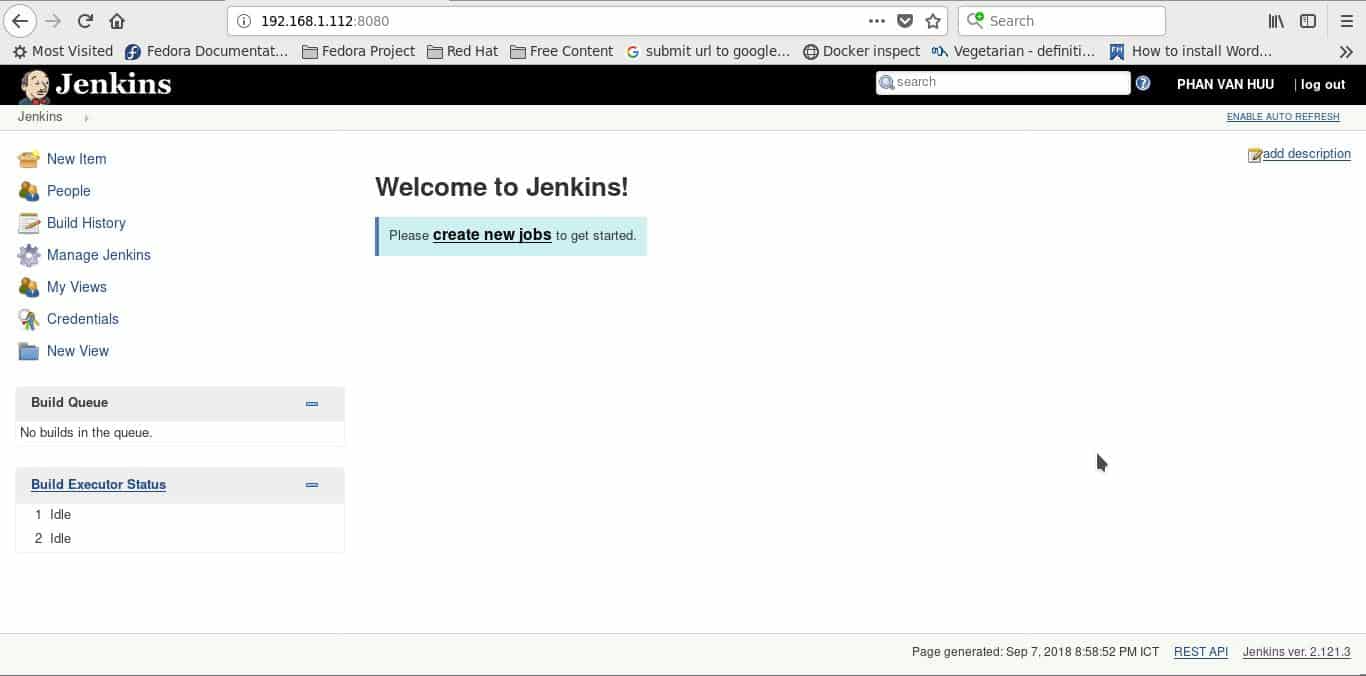
From Jenkins Dashboard, Click the Manage Jenkins as the picture below
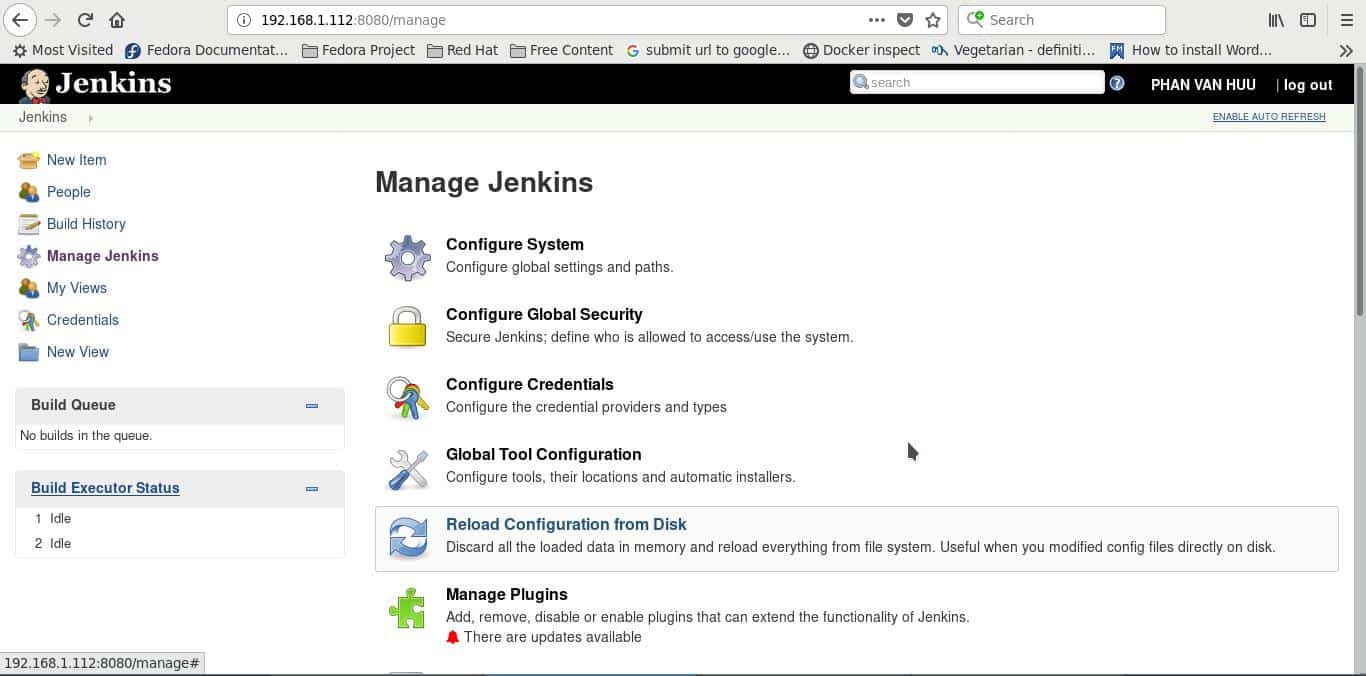
In the next screen, click “Manage Plugins’ as the picture below
In this next screen, click the Available tab. This tab list all available for downloading. In this ‘Filter’ tab type ‘Git plugin’.
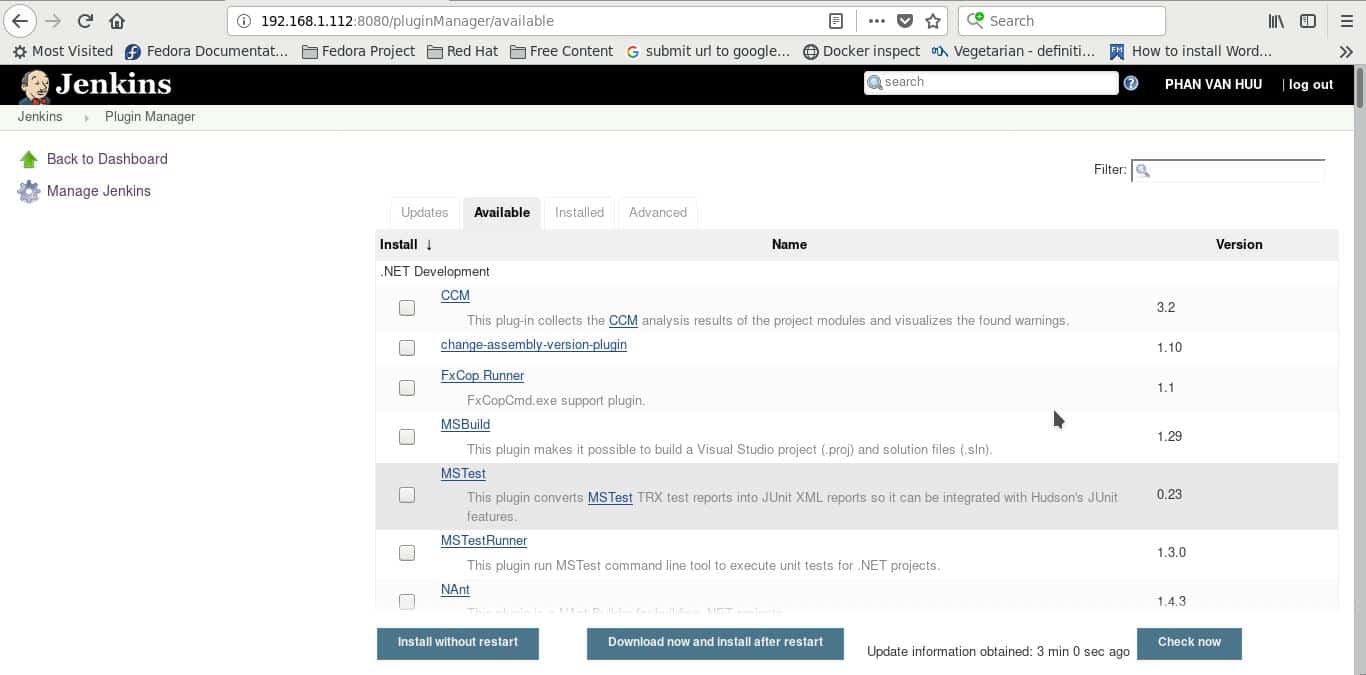
Click on the button ‘Install without restart’

In this next screen, click the ‘Installed’ tab. I have installed Git plugin as below
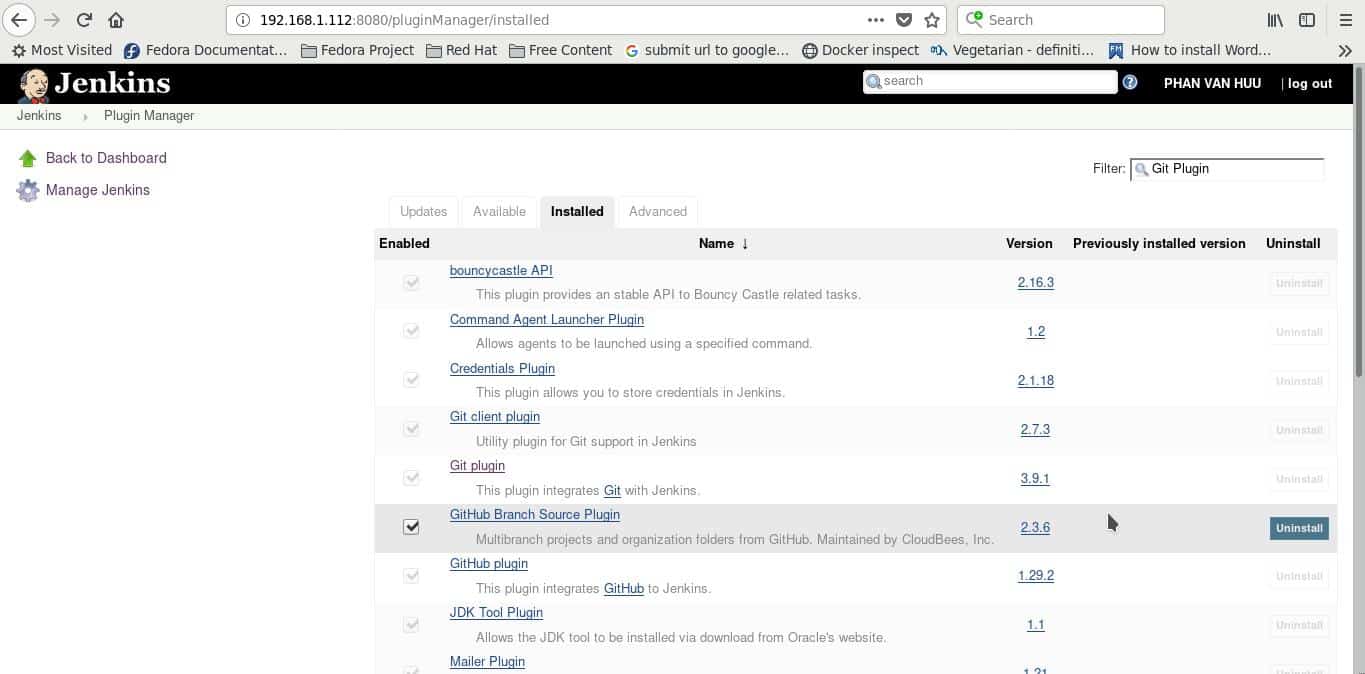
jenkins maven plugin

From Jenkins Dashboard, Click the Manage Jenkins. Click ‘Global Tool Configuration’ as below

Scroll down till you see Maven section and then click ‘Add Maven’ Button as below
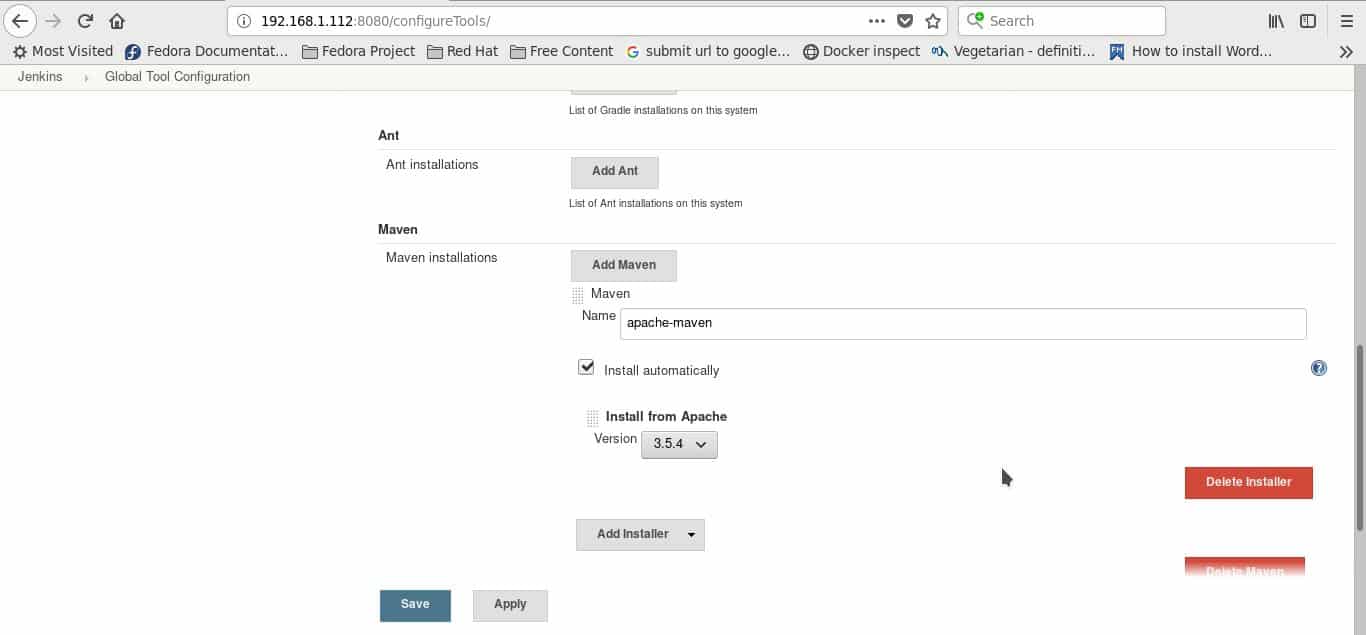
Click ‘Save’ Button

Jenkins configuration

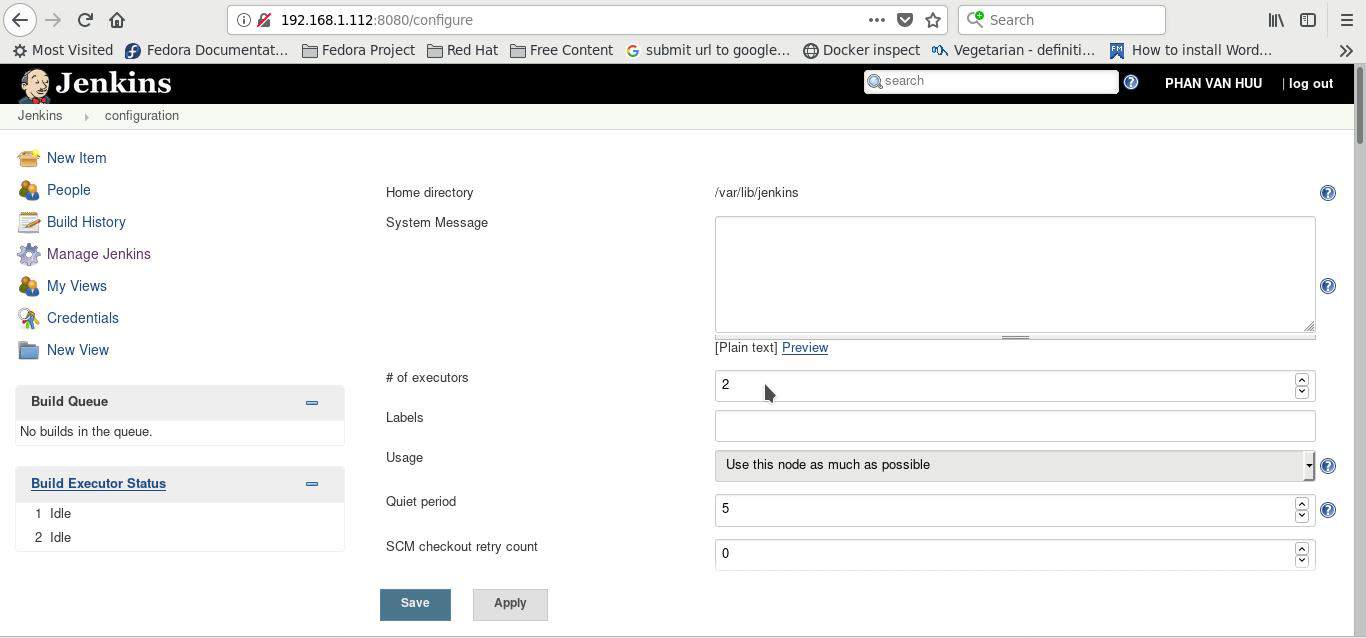
From Jenkins Dashboard, Click the Manage Jenkins. Click ‘Configure System’ as below
You can configure Jenkins home, JDK so on.

jenkins create job

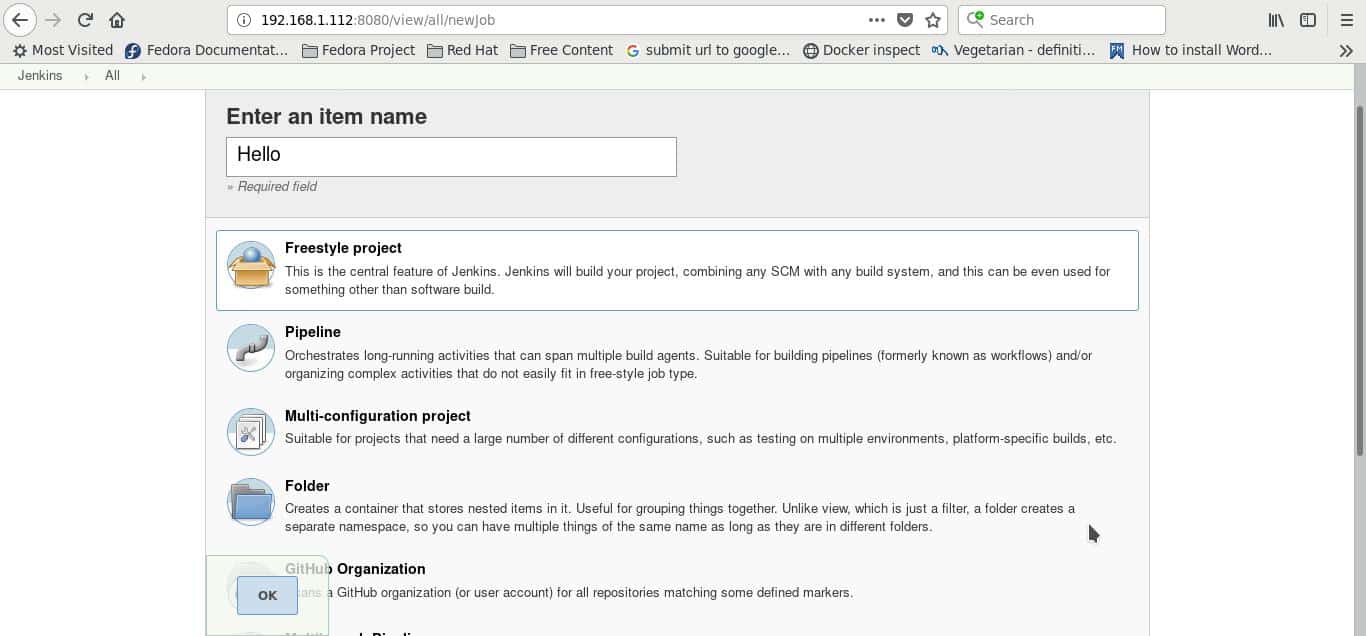
Step 1: Go to Jenkins Dashboard and click ‘New Item’ as below
Step 2: Enter the item name and example select ‘Freestyle project option’. Click OK button
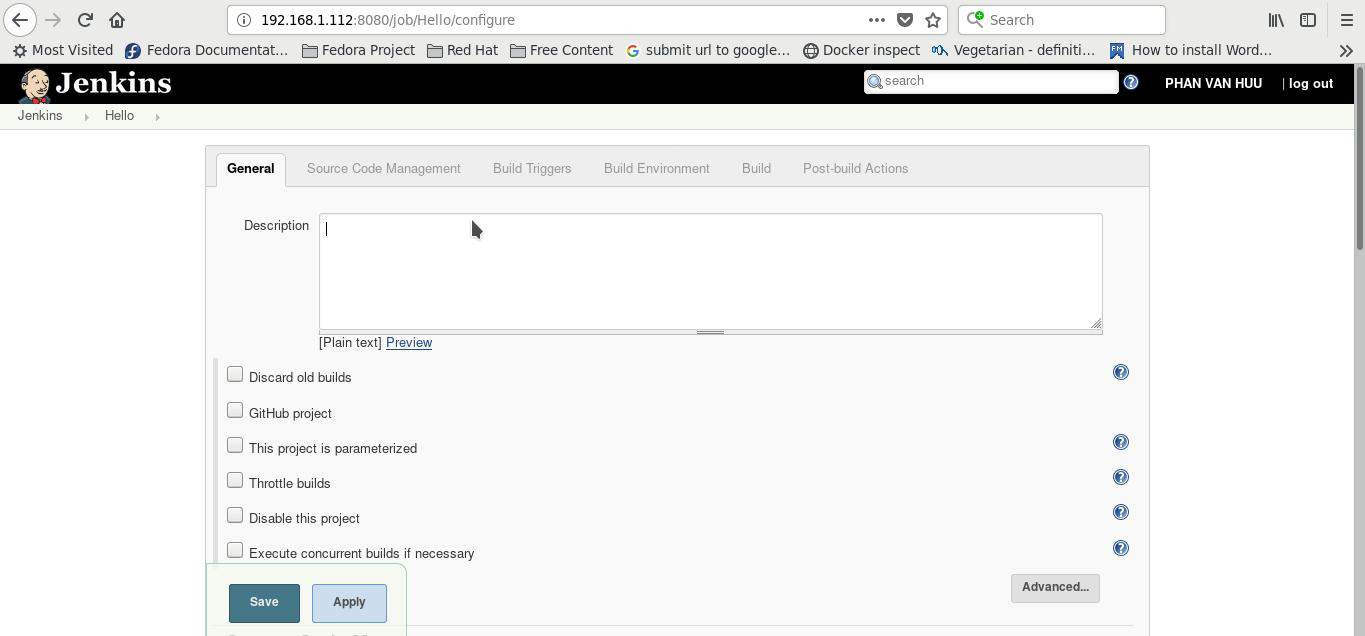
You set up and configure job Jenkins this screen
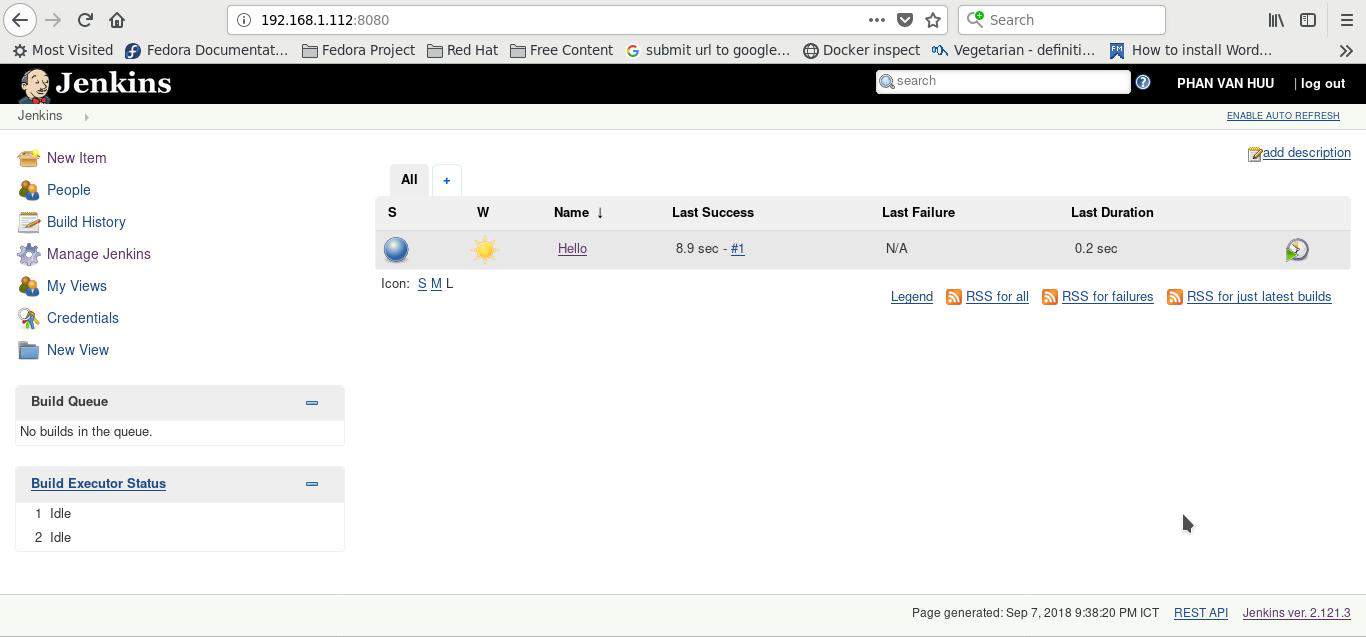
The finish, run job Jenkins as below

Conclusion

Thought the article, you can use Jenkins tutorial for the beginner as above. I hope will this your helpful.

How to install Jenkins on centos 7

Jenkins is an open source Continuous Integration. In this article, I will guide you install jenkins on centos 7. The best way to increase my DevOps skill.

You must have to install Jenkins as below:

  • OS: Centos/Redhat or Ubuntu
  • Login into your Virtual Machine as a non-root user
  • To update packages your system ( option )
  • Checking Java JDK your system
  • Firewall open 8080 port

Install Jenkins on centos 7

Update your system

sudo yum install epel-release
sudo yum update

To install Java

sudo yum install java-1.8.0-openjdk.x86_64

After installing Java, you can confirm it.

java -version

Tell you about Java runtime environment

[huupv@localhost ~]$ java -version
openjdk version "1.8.0_171"
OpenJDK Runtime Environment (build 1.8.0_171-b10)
OpenJDK 64-Bit Server VM (build 25.171-b10, mixed mode)

you need to set “JAVA_HOME” and “JRE_HOME”.

sudo cp /etc/profile /etc/profile_backup
echo 'export JAVA_HOME=/usr/lib/jvm/jre-1.8.0-openjdk' | sudo tee -a /etc/profile
echo 'export JRE_HOME=/usr/lib/jvm/jre' | sudo tee -a /etc/profile
source /etc/profile

To check “JAVA_HOME” and “JRE_HOME”

[huupv@localhost ~]$ echo $JAVA_HOME
/usr/lib/jvm/jre-1.8.0-openjdk
[huupv@localhost ~]$ echo $JRE_HOME
/usr/lib/jvm/jre

To install Jenkins

Installing Jenkins a stable version

sudo wget -O /etc/yum.repos.d/jenkins.repo http://pkg.jenkins-ci.org/redhat-stable/jenkins.repo
sudo rpm --import https://jenkins-ci.org/redhat/jenkins-ci.org.key
sudo yum install jenkins

Start Jenkins server and set it to run at boot time:

sudo systemctl start jenkins.service
sudo systemctl enable jenkins.service

Firewall open 8080 port

Allow access to Jenkins via 8080 port

sudo firewall-cmd --zone=public --permanent --add-port=8080/tcp
sudo firewall-cmd --reload

Access Jenkins from your web browser

http://<your-server-IP>:8080

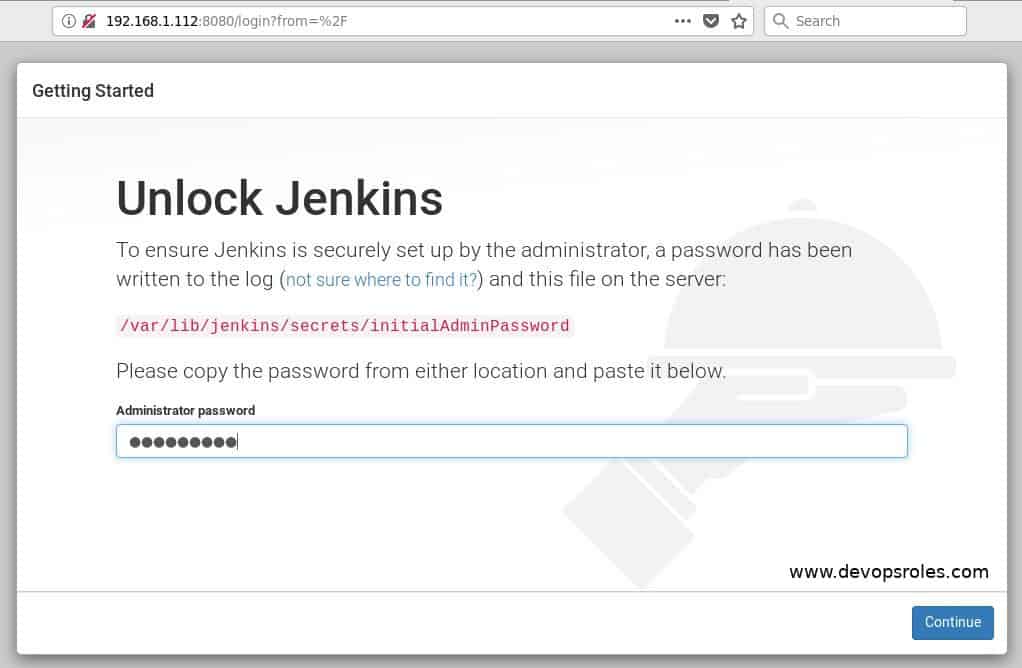
How to “Unlock Jenkins”?

To use grep password as below:

[huupv@localhost ~]$ sudo cat /var/log/jenkins/jenkins.log | grep password -A 3

The output below:

Jenkins initial setup is required. An admin user has been created and a password generated.
Please use the following password to proceed to installation:

f86044f712924b29b9420213c7a66133

jenkins default password centos: f86044f712924b29b9420213c7a66133

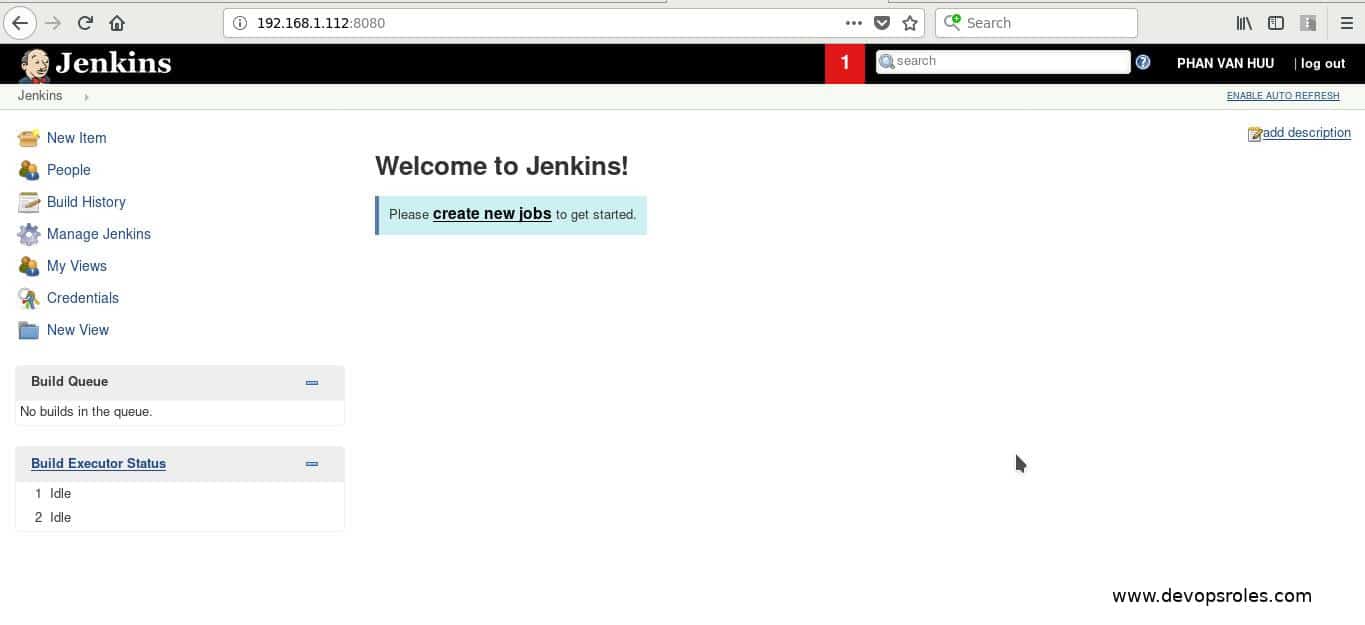
You are complete installed Jenkins on centos 7 as the picture below:

Conclusion

You have to install Jenkins on centos 7. I hope will this your helpful. Thank you for reading the DevopsRoles page!