

In this tutorial, How to install Jenkins using Vagrant. Jenkins the essential for DevOps Roles. You can refer to install Vagrant on Windows 10 here.
My environment
- OS: Windows 10
- Git Bash
- Vagrant
- VirtualBox
Table of Contents
Install Jenkins using Vagrant
Creating Vagrant box Centos 7 for Jenkins
$ mkdir jenkins
$ cd jenkins
$ vagrant.exe init centos/7
Vagrant for Jenkins
The modify content Vagrantfile file as below
# -*- mode: ruby -*-
# vi: set ft=ruby :

VAGRANTFILE_API_VERSION = "2"

$script = <<ENDSCRIPT
  sudo yum install -y epel-release
  sudo yum -y update
  sudo yum install -y net-tools
  sudo yum install -y wget
  sudo wget -O /etc/yum.repos.d/jenkins.repo http://pkg.jenkins-ci.org/redhat/jenkins.repo
  sudo rpm --import http://pkg.jenkins-ci.org/redhat/jenkins-ci.org.key
  sudo yum install -y jenkins
  sudo yum install -y java-1.8.0-openjdk.x86_64
  sudo systemctl start jenkins.service
  sudo systemctl enable jenkins.service
ENDSCRIPT

Vagrant.configure(VAGRANTFILE_API_VERSION) do |config|
  config.vm.box = "centos/7"
  config.vm.network "forwarded_port", guest: 8080, host: 8888
  config.vm.provision "shell", inline: $script
end
To launch the Virtual Machine from Vagrant
$ vagrant.exe up
Let’s restart the image after installation as command below
$ vagrant.exe halt
$ vagrant.exe up
Access Jenkins from the web browser
http://localhost:8888/
The screen output terminal
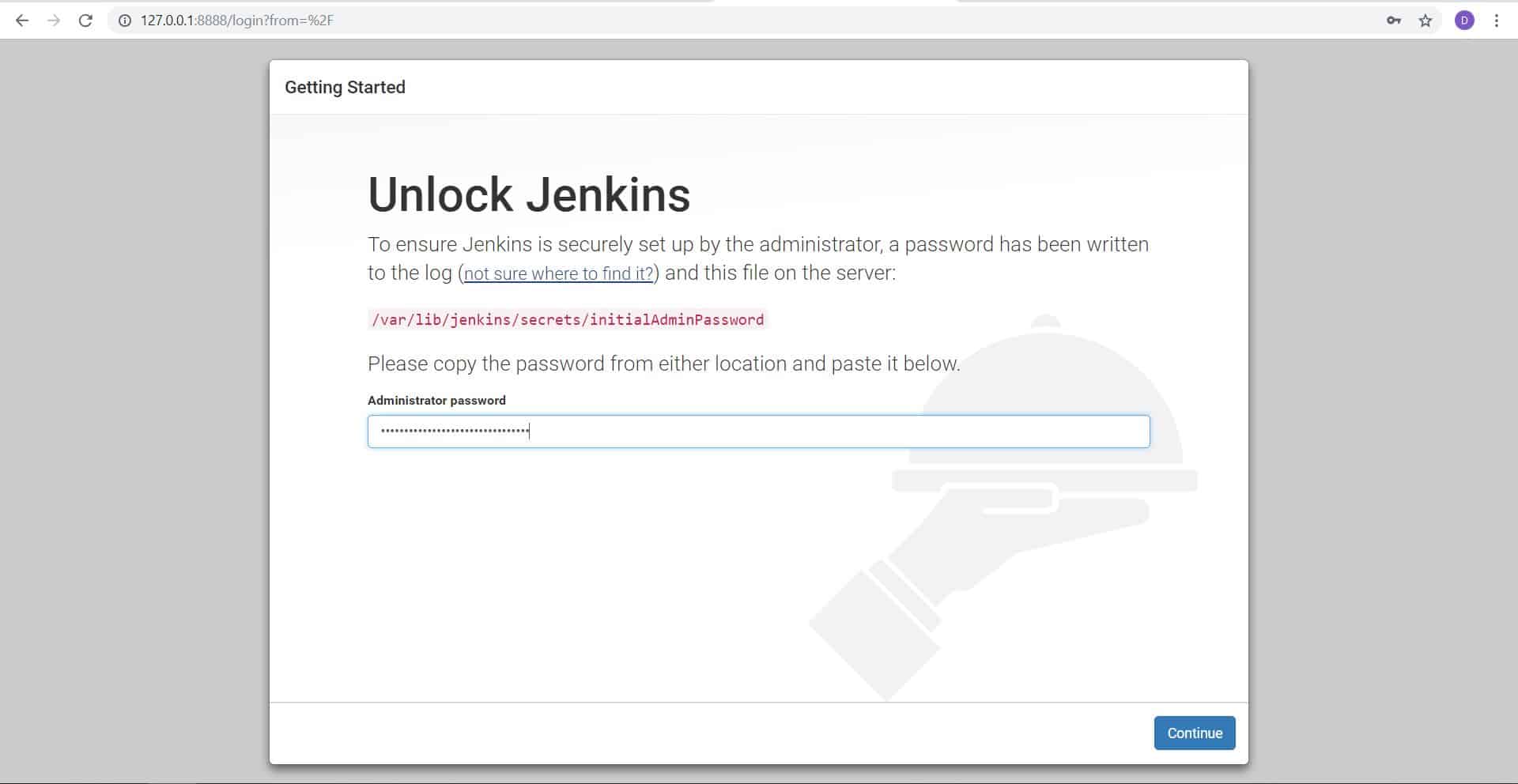

How to “Unlock Jenkins”?
To use grep password as below:
# cat /var/log/jenkins/jenkins.log | grep password -A 3
The screen output terminal


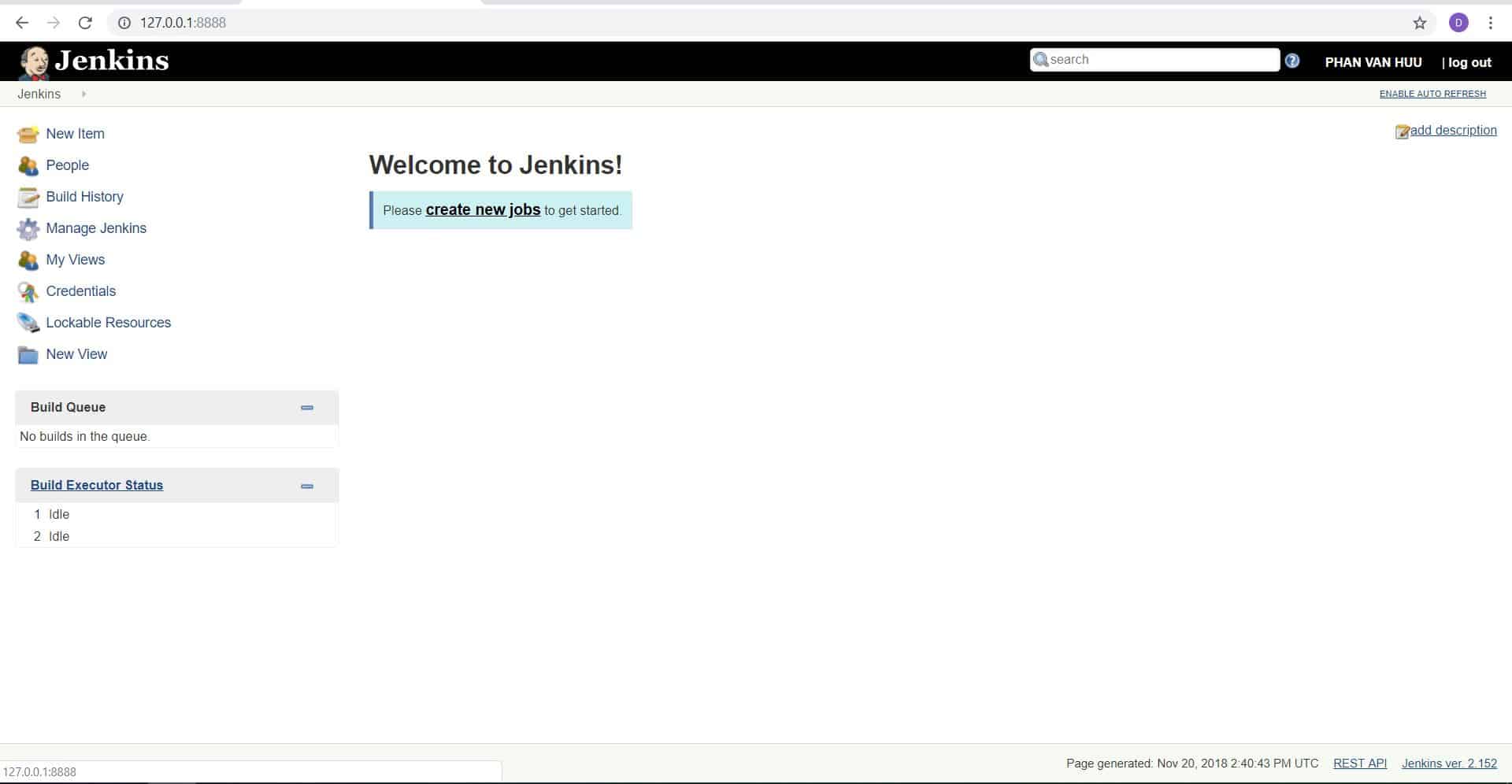
The finish installs Jenkins using Vagrant on Windows 10.

Conclusion
Thought the article, “How to install Jenkins using vagrant” as above. I hope will this your helpful.
very good and simple