
Table of Contents
Introduction
In this tutorial, How to install Docker compose on Ubuntu 21.04. Docker is an open platform that allows you to build, test, and deploy applications quickly.
Docker Compose is used for defining and running multi-container Docker applications. It allows users to launch, execute, communicate with a single coordinated command. Docker Compose is yet another useful Docker tool.
Prerequisites
- A system running Ubuntu 21.04
- A user account with sudo privileges
- Docker installed on Ubuntu 21.04
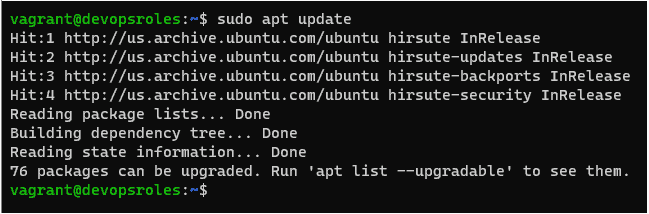
Step 1: Update your system
Update your existing packages:
sudo apt update
Step 2: Install curl package
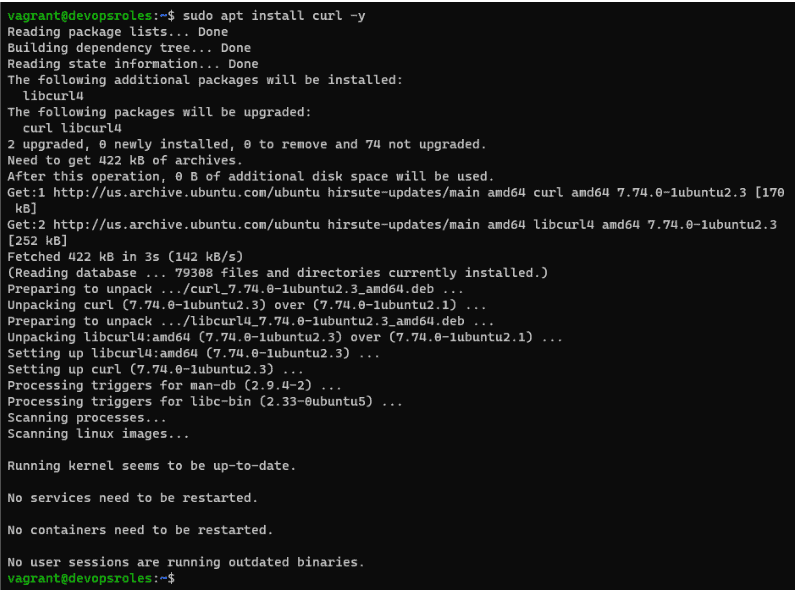
sudo apt install curl -y
Step 3: Download the Latest Docker compose Version
Docker-compose new stable versions, refer to the official list of releases on GitHub.
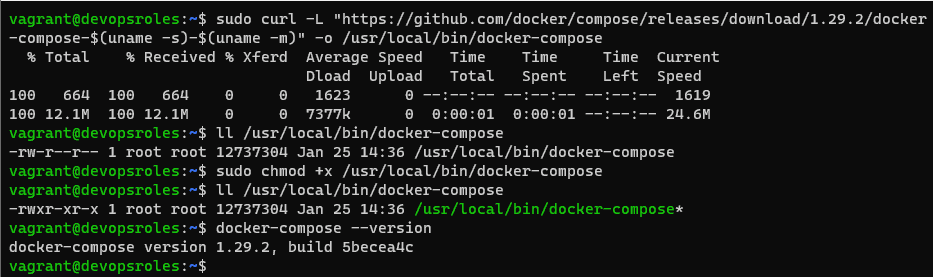
sudo curl -L "https://github.com/docker/compose/releases/download/1.29.2/docker-compose-$(uname -s)-$(uname -m)" -o /usr/local/bin/docker-composeStep 4: Change File Permission
sudo chmod +x /usr/local/bin/docker-composeStep 5: Check Docker Version
To verify the installation, check the Docker compose version by command below:
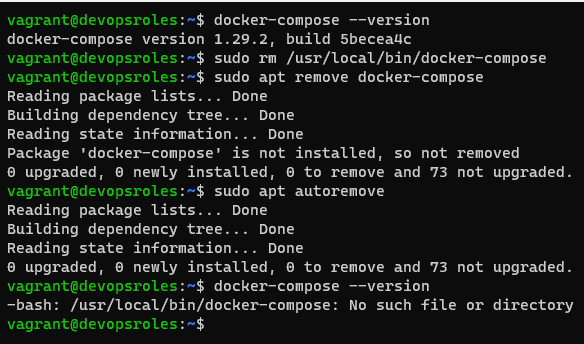
docker-compose --version
Uninstall Docker compose on Ubuntu
Delete the Binary
sudo rm /usr/local/bin/docker-composeUninstall the Package
sudo apt remove docker-composeRemove Software Dependencies
sudo apt autoremove
Via Youtube

Conclusion
You have to install Docker compose on Ubuntu 21.04. I hope will this your helpful. Thank you for reading the DevopsRoles page!
4 thoughts on “How to install Docker compose on Ubuntu”