
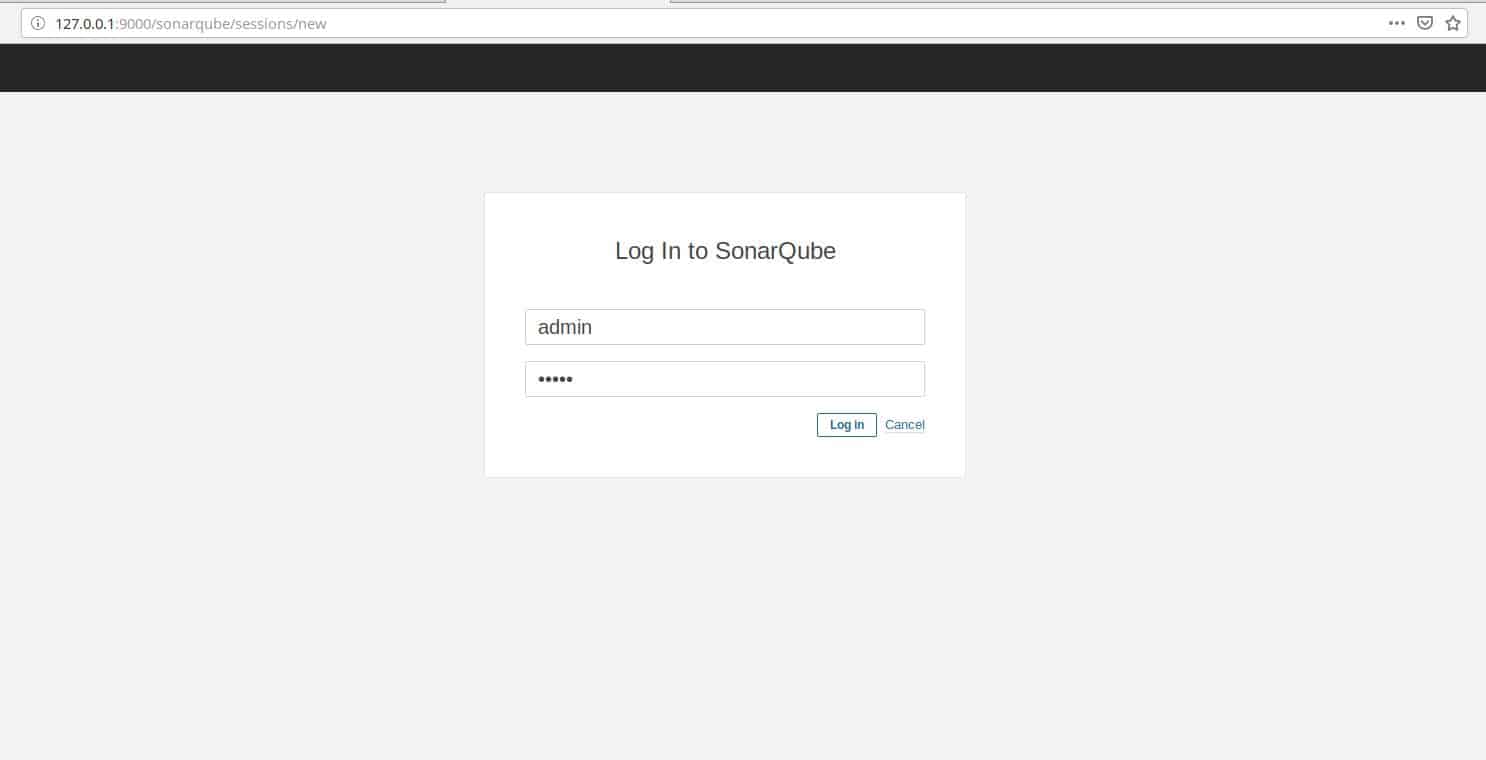
In this tutorial, How to Docker-compose Build SonarQube.
Table of Contents
Docker-compose Build SonarQube
Build SonarQube with Docker-compose
- WebApp: Create Mysql with Docker-compose
- SonarQube: Create Mysql with Docker-compose
- And Launch SonarQube with Docker-compose
Folder Structure for SonarQube
[vagrant@localhost ~]$ tree docker
 docker
 ├── docker-compose.yml
 ├── mysql
 │   ├── conf
 │   │   └── custom.cnf
 │   └── init
 │       ├── 1_create_db.sql
 │       ├── 2_create_user.sql
 │       └── 3_grant.sql
 └── sonarqube
 4 directories, 5 files
Mysql Configure
Create file ./mysql/conf/custom.cnf
The content as below
[mysqld]
character-set-server=utf8
lower_case_table_names=1
explicit_defaults_for_timestamp=true
Create two Database
Create the database with “./mysql/init/1_create_db.sql” file.
-- For WebApp
CREATE DATABASE IF NOT EXISTS items DEFAULT CHARACTER SET UTF8;
-- For SonarQube
CREATE DATABASE IF NOT EXISTS sonar DEFAULT CHARACTER SET UTF8;
User for SonarQube
Create a user with “./mysql/init/2_create_user.sql” file
CREATE USER 'sonar' IDENTIFIED BY 'sonar';
Grant user
Grant user for sonar with “./mysql/init/3_grant.sql” file.
GRANT ALL ON sonar.* TO 'sonar'@'%' IDENTIFIED BY 'sonar';
GRANT ALL ON sonar.* TO 'sonar'@'localhost' IDENTIFIED BY 'sonar';
FLUSH PRIVILEGES;
Example docker-compose file as below
version: '3.5'
services:
 mysql:
     image: mysql:5.7.21
     container_name: mysql
     ports:
       - 3306:3306
     volumes:
       - ./mysql/init:/docker-entrypoint-initdb.d
       - ./mysql/conf/:/etc/mysql/conf.d
     networks:
       - sonarnet
     environment:
       MYSQL_ROOT_PASSWORD: root
     restart: always
 sonarqube:
     image: sonarqube:7.0
     container_name: sonarqube
     depends_on:
       - mysql
     volumes:
       - sonarqube_conf:/opt/sonarqube/conf
       - sonarqube_data:/opt/sonarqube/data
       - sonarqube_extensions:/opt/sonarqube/extensions
       - sonarqube_bundled-plugins:/opt/sonarqube/lib/bundled-plugins
     networks:
       - sonarnet
     command: -Dsonar.web.context=/sonarqube
     ports:
       - 9000:9000
       - 9092:9092
     environment:
       - SONAR_JDBC_USERNAME=sonar
       - SONAR_JDBC_PASSWORD=sonar
       - SONAR_JDBC_URL=jdbc:mysql://localhost:3306/sonar?useUnicode=true&characterEncoding=utf8
     restart: always
networks:
   sonarnet:
     driver: bridge
volumes:
   sonarqube_conf:
   sonarqube_data:
   sonarqube_extensions:
   sonarqube_bundled-plugins:
Build and start with Docker-compose
$ cd docker
$ docker-compose -f docker-compose.yml up -d
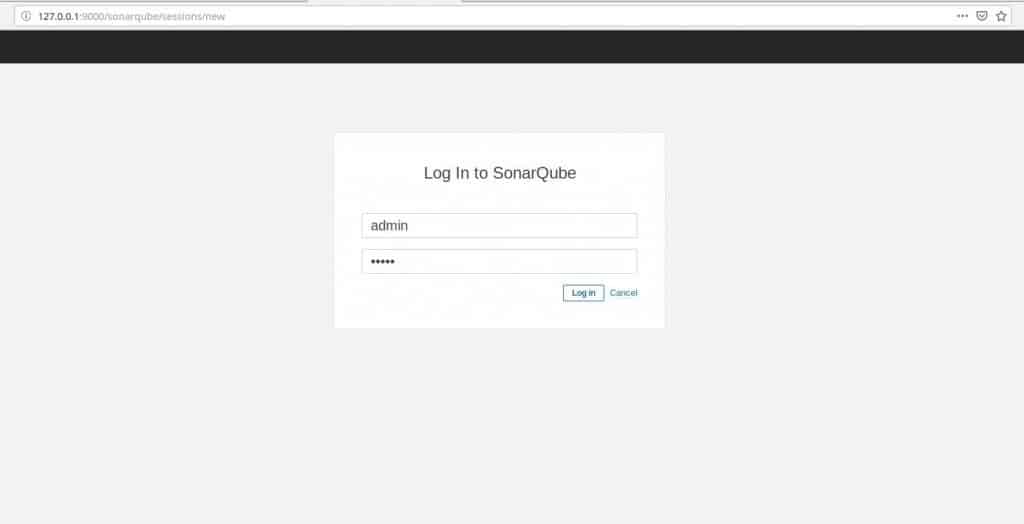
Access to SonarQube login page
- Link access: http://127.0.0.1:9000/sonarqube
- User/Password: admin/admin
As a result the picture below

Stop SonarQube with Docker-compose
$ cd docker
$ docker-compose -f docker-compose.yml stop
You have Docker-compose Build SonarQube. Thank you for reading! Thank you for reading the DevopsRoles page!