
In this tutorial, How do I use shell script execute SQL file on DB? On the server running the shell script, you use a sqlplus command on the server.
You need to install Oracle client on server-run shell script. Example picture below

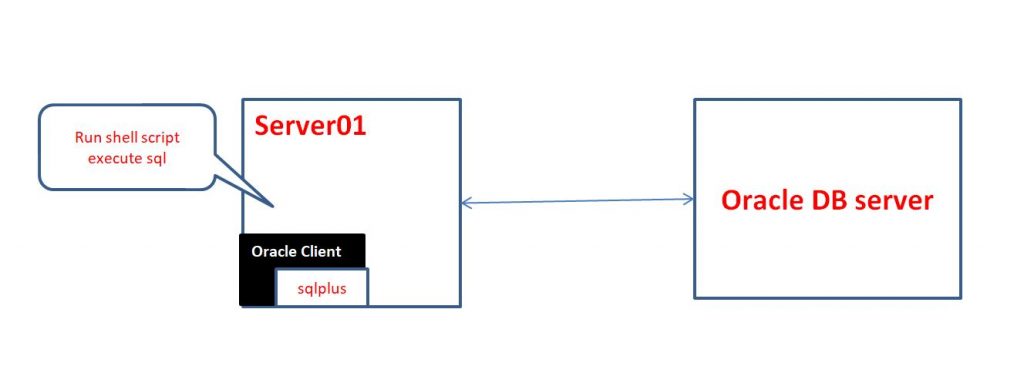
Oracle Client is free, easy to install client software for connecting to Oracle databases.
For example shell script execute SQL file as below
#!/bin/bash

CONNT=dbuser/password@connect_identifier #your env
SQL_FILE=/home/huupv/create_user.sql
sqlplus -s ${CONNT} <<EOF
  @${SQL_FILE}
EOF

RSTATUS=$?
if [ "${RSTATUS}" != "0" ]
then
  echo "Error"
  exit 100
else
  echo "success"
  exit 0
fi
Thank you for reading DevOpsRoles.com page.